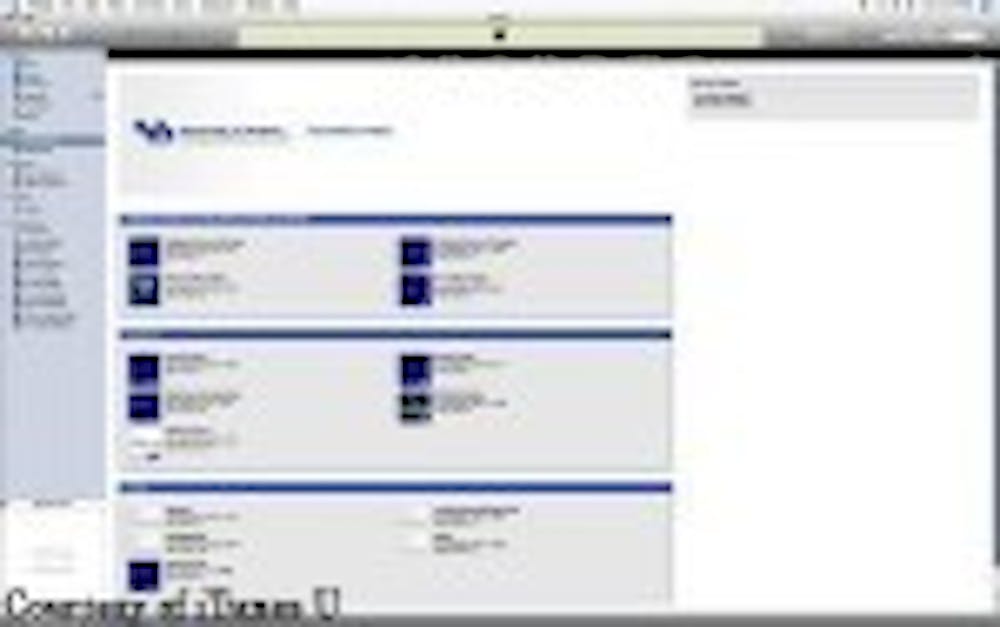
iTunes has come out with a new feature over the past year called iTunes U, which is similar to the podcasts that most students are already familiar with.
The concept is to create podcasts available only to students and faculty at the University at Buffalo.
In a UB Information Technology Survey conducted in 2008, nine out of 10 UB students said that having a digital lecture reading was useful and seven out of 10 said it was very useful. UBlearns and other streaming sites have done a great job of distributing these lectures, but a more efficient way is slowly making its way onto the scene.
Roberta Sullivan, instructional designer for the Teaching and Learning Center at UB, thinks that using iTunes U is a great way of making information more easily accessible.
Sullivan feels that iTunes U is much more practical than the current method of getting information to students.
'UBlearns [may not be] the best way to use audio and video [for lectures and other multimedia].' Sullivan said.
A major reason that UB professors are slowly buying into the service is that it's able to store much larger files than UBlearns.
'UBlearns was not designed to store large files,' said Jim Gordon, lead programmer and analyst for UB Libraries. 'It was intended for short, quick text.'
Any teacher at UB who has a class set up with UBlearns is allowed 10 megabytes per file. That is enough for any text file, but not enough for a movie file. Any teacher with an iTunes U account is allowed up to 500 megabytes, and for those who need to upload a video, like a lecture, it's more than enough space.
In addition, according to Sullivan, files uploaded onto the iTunes U server are available in a fraction of the time that the same file would take on UBlearns.
Podcasts also have a big advantage over UBlearns in portability. Podcasts can be downloaded anywhere and placed onto any MP3 player; users aren't forced to sit in front of a computer monitor to watch lectures.
Additionally, students can be allowed to upload their own podcasts to the class if a professor wishes to let them, so the process of watching a lecture through iTunes U gives the student a chance to ask the professor questions or give comments.
There also isn't any need to check back on UBlearns to see if the lecture has been updated; as soon as a file is posted to an instructor's iTunes U classroom page, it is instantly available for any student to download.
There are currently several classes at UB that are utilizing iTunes U, along with many other college campuses worldwide, such as Carnegie Mellon, Oxford and Cambridge. By visiting http://itunes.buffalo.edu, a user can click on ‘UB Access' and instantly download any podcast offered at UB.
However, the new service brings up a couple of issues that may discourage teachers from fully accepting the technology. A teacher must be careful that none of the content he or she is posting is against copyright laws and some teachers might not be willing to cross into the potential gray areas of copyright infringement just to make students' lives easier.
'It is up to the faculty member to know whether or not what they're doing is violating copyrights,' Sullivan said.
Another issue is the fact that podcasts are only available for about a year once they are posted for a class. According to Sullivan, iTunes forces teachers to re-upload all of their lectures about once every year and a half, making it more of a hassle for instructors than UBlearns.
iTunes U is about making things portable and accessible. The potential use of video and audio in iTunes U makes greater things possible. Instead of hearing about something from an audio file, a student can actually see what is being talked about at the same time.
Over two-thirds of the students polled in the IT survey used the podcasts on iTunes U. If students are already comfortable using iTunes, they will have no problem adjusting to iTunes U.
E-mail: features@ubspectrum.com