The days of emailing documents to oneself or carrying around a USB flash drive may be over, thanks to Microsoft's newly developed Office Live Workspace and its predecessor, Google Docs.
Office Live Workspace and Google Docs will make group work easier and faster.
With these updates to collaboration technology, multiple users can edit the same document at the same time and view the changes in real time. Previously, users would go through the process of making changes, sending the new file to group members, waiting for updates to occur and for the files to be sent back numerous times.
"It is a new way to share and collaborate," said Karthik Kathiresan, Microsoft Ambassador to UB and senior computer science major.
There are a number of similarities between Google Docs and Office Live Workspace. Both services allow users to create or upload existing documents, presentations and spreadsheets online, and share them with others simply by inviting them to your workspace using their e-mail address. The file's creator can also choose which members can edit, and which can review the shared documents.
Also, each has a "home" screen that is set up like a filing cabinet. This page displays the areas in which one's personal files are kept, which files have been modified recently and quick links to adding new documents.
These shared documents can be accessed from any computer or cell phone with an Internet connection and a Web browser. According to Microsoft's Web site, over 1,000 Office documents can be stored on a workspace.
Office Live Workspace, like Google Docs, is both platform and browser independent, allowing the services to work on PCs with Windows, Macs and even computers with variants of Unix (including Linux).
In addition, both allow a user to set access levels for documents in their personal account, so one can choose who may view and make edits.
The plethora of features that come with Microsoft Office, however, are non-existent in Google Docs.
Office Live Workspace has taken the platform a step further with functions such as footnotes, page numbers and numerous full-screen slide transitions for PowerPoint presentations that are not available in Google Docs.
According to Kathiresan, Office Live Workspace is a way for Microsoft to compete with Google's Docs service.
Microsoft's version of the service is a free plug-in for those who already have Microsoft Office installed on their computers, and will be widely available late this year. Currently, customers can pre-register and will be accepted into the service on a first come, first serve basis, according to Microsoft's Web site.
According to Kathiresan, the necessity of having a licensed Office suite installed in order to use the service should not hinder the ability to use the service for group work too much.
"Ninety-five percent [of computer users] have Office installed," Kathiresan said. "If you have two or more people on a team, chances are that at least one of them will be able to edit the documents."
All UB students are provided with Microsoft Office for free via download, or for a highly discounted price through UB Micro. However, the retail price for the entire suite starts at $149 for students and the cost of the standard office suite doubles to $399, according to Microsoft's Web site. Because of the price for non-UB students, some may be hesitant to use Office Live Workspace rather than Google Docs, which offers similar functionality for free, according to Kyle McNabb, an analyst for Forrester Research, Inc.
"Google is helping set the expectations that you don't have to go buy these things," McNabb said in a Wall Street Journal article.
Google Docs is open to anyone with a valid Google account, which is free to create, and doesn't require any installation.
Since Google Docs offers more or less the same main features, and can even import Microsoft Office documents through Office 2003, Office Live Workspace must go the extra mile to attract users.
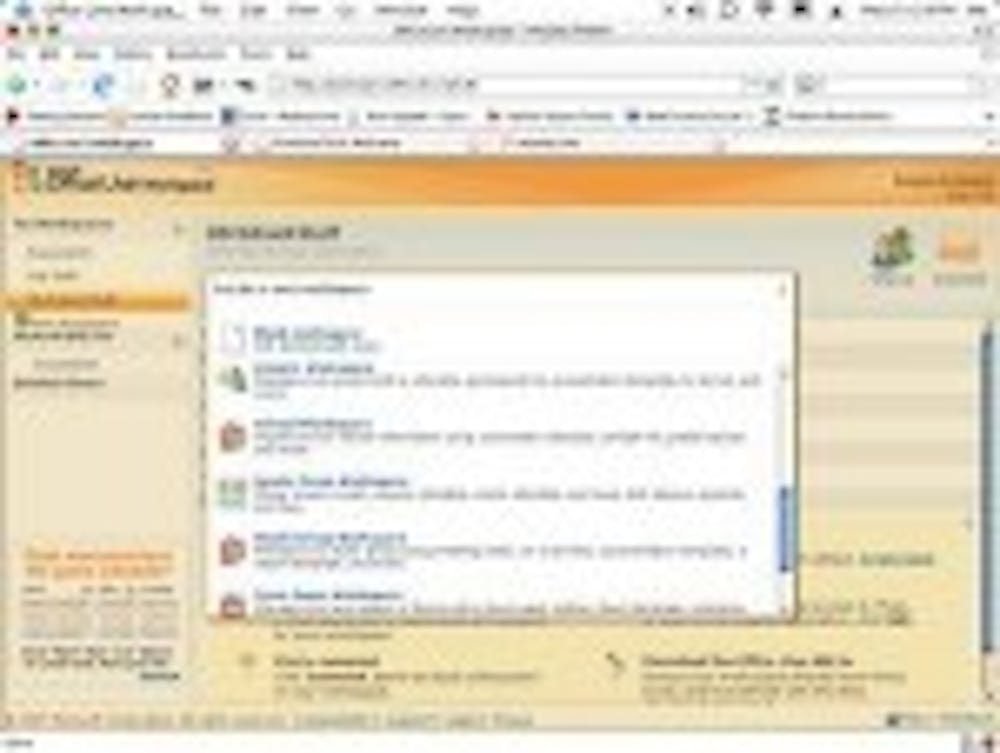
Office Live Workspace has several different workspace templates that are generated automatically when a new document is created. Two templates include a job workspace for resumes, cover letters and interview tips; and a school workspace with a GPA calculator, a calendar for classes, term paper outlines and thesis templates. These shortcomings of Google Docs are what make Office Live Workspace so appealing, especially for students.
Regardless of preference, both services offer a fresh, new and easy way for transferring, collaborating, and editing documents.